How it works
A tour of the dissection table.
Four jobs and the tools for each. Everything here is free up to a limit, except running a live session.
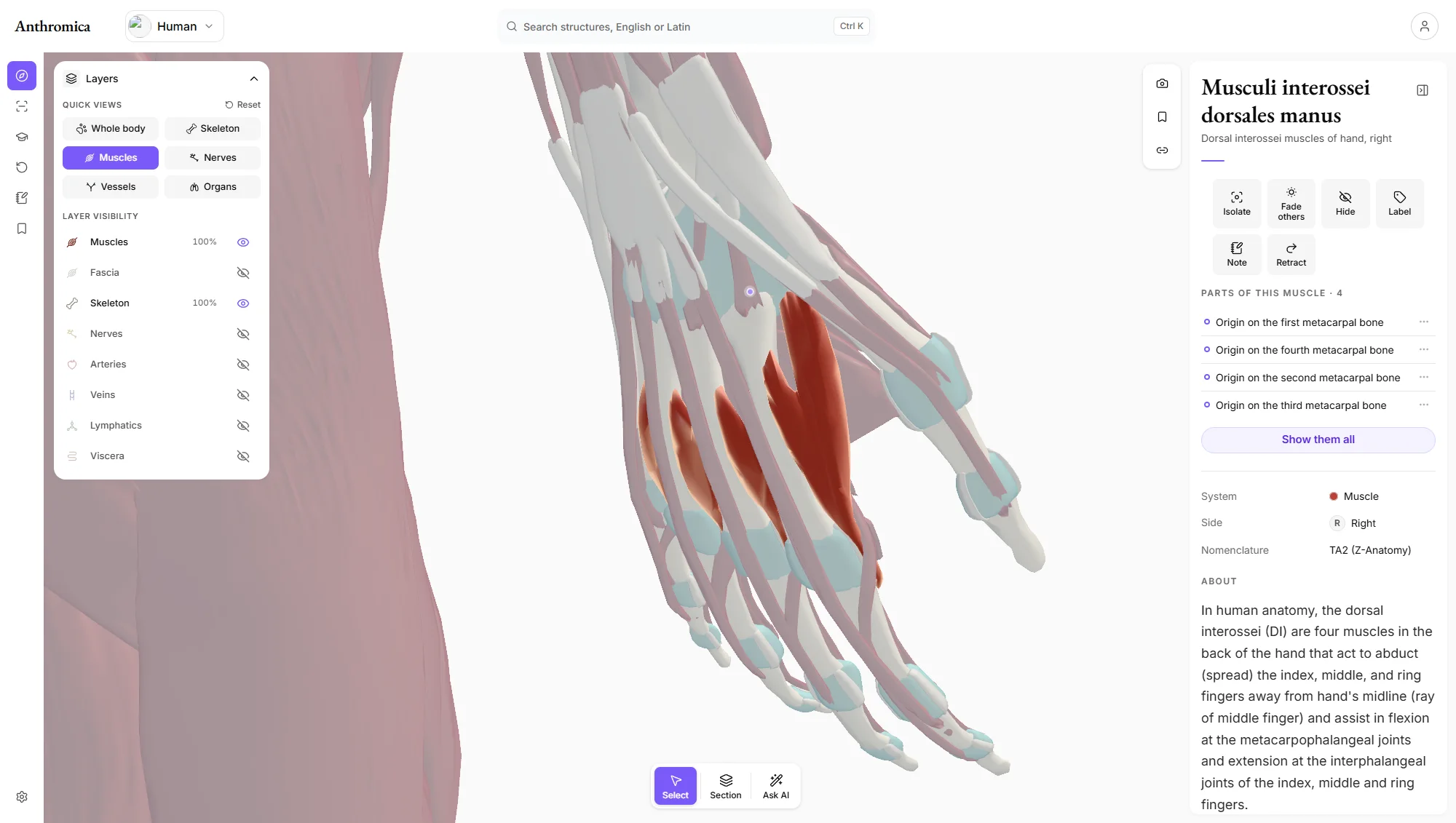
See the layers in place.
One complete human body in one pose, with every layer modelled on the same body, so you see what lies on what.
- Peel, fade, isolate
- Hide the fascia, fade the muscles, or isolate one artery and follow it. Every structure is a separate piece.
- Every layer
- Muscles and tendons, fasciae, bones and joints, nerves, arteries, veins, lymphatics and organs, each shown, hidden or faded on its own.
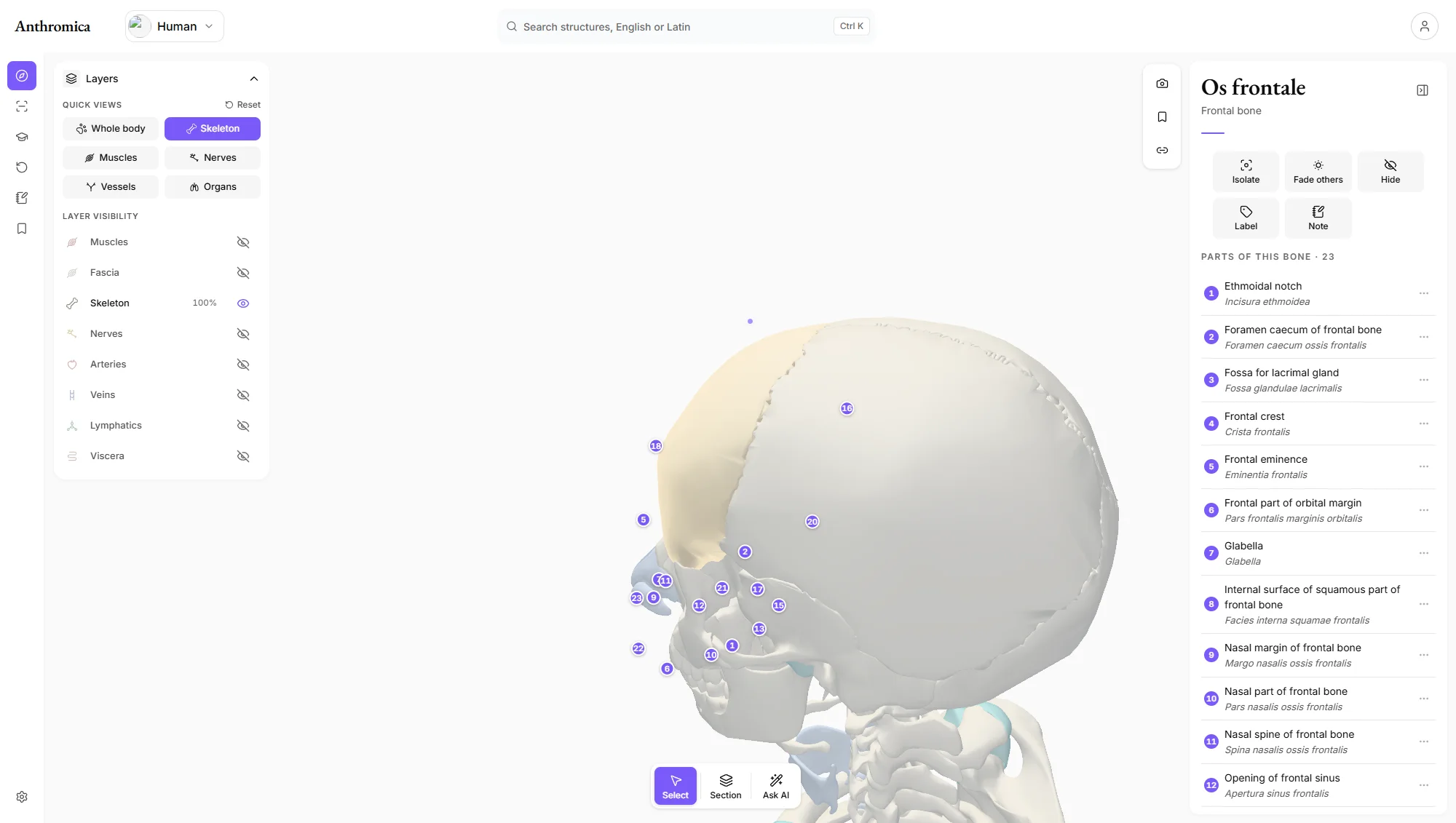
- The skeleton
- Every bone, named, with its parts marked on it.
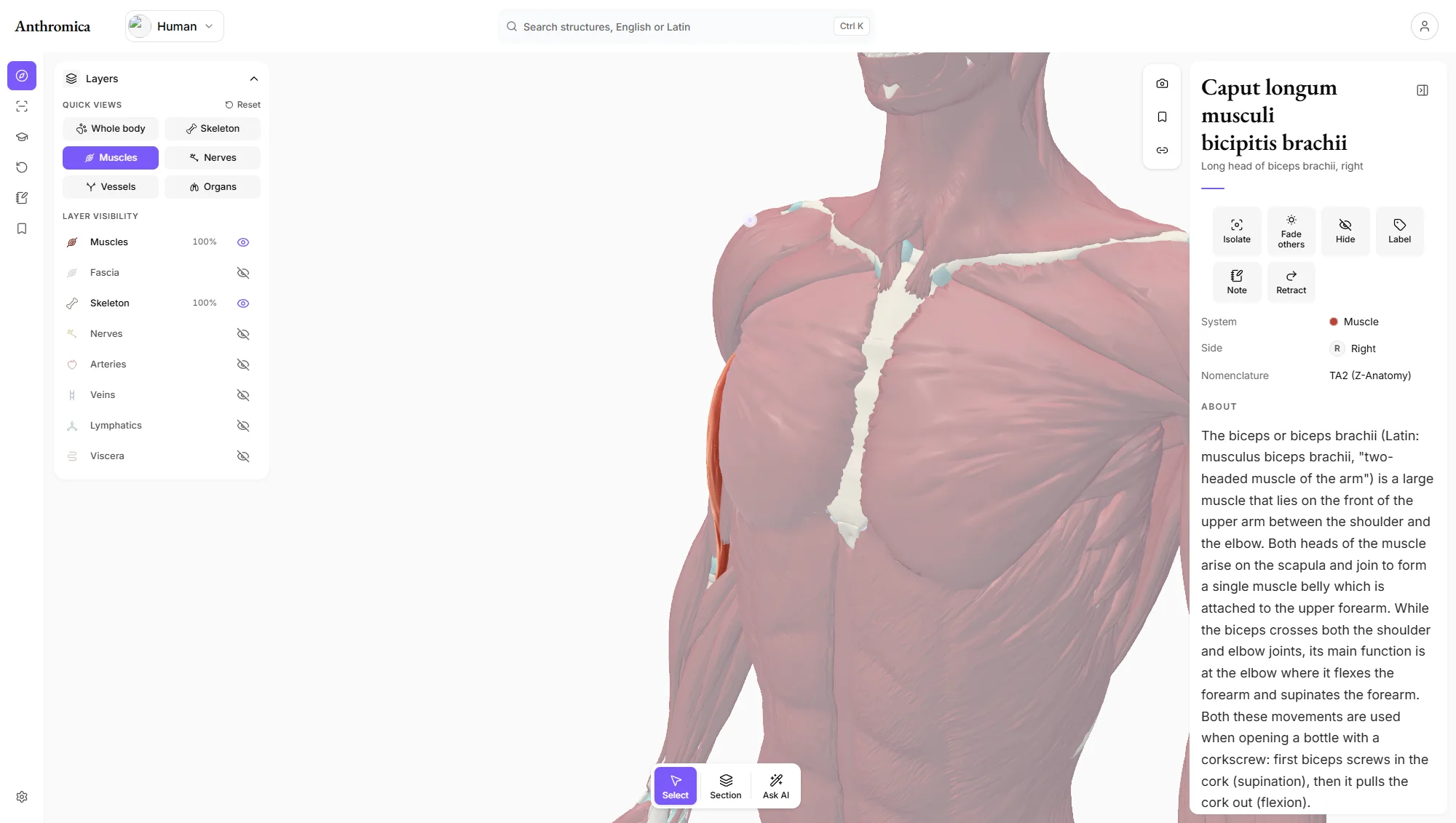
- Retract
- Swing a muscle aside to see what lies beneath it.
- Standard views
- Keys 1 to 6 turn the body to the standard views; the orientation cube does it by click.
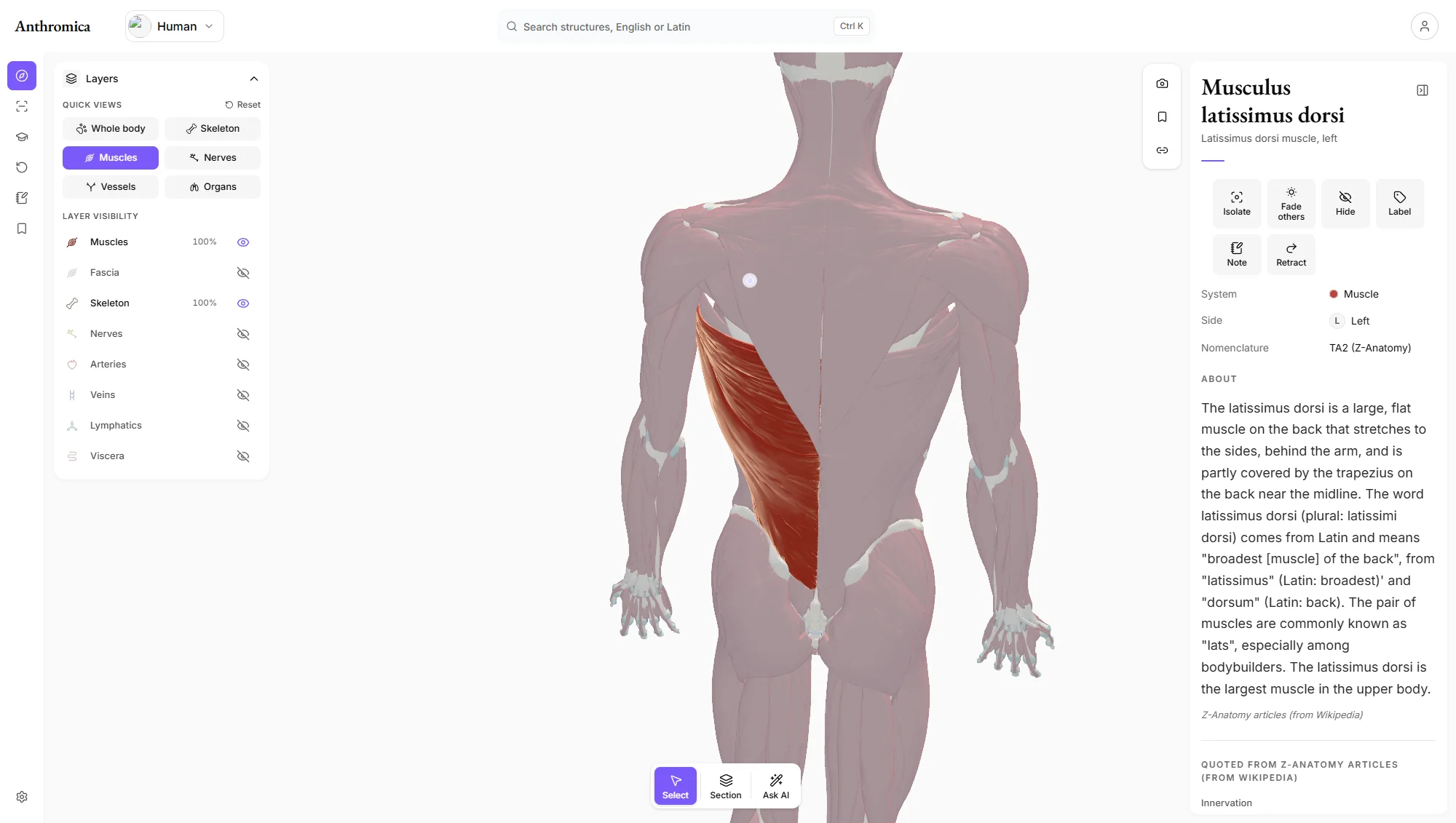
Look it up in the words you have.
Search the way you would ask a colleague, then read what the structure is, what it does and what supplies it.
- Search
- English or Latin: ‘biceps’ and ‘musculus biceps brachii’ find the same muscle.
- The reading pane
- The Latin term and the English name, side, and what the structure is, what it does, its nerve and its blood supply where the text gives them.
- Parts
- The named parts of a bone, numbered on the bone and listed in English and Latin, and where a muscle takes its origin.
- Notes
- Your own notes on any structure, with tags and bookmarks.
Slice through the body, as often as you need.
Section the body on any plane, isolate one structure, and undo every step.
- Section
- Cut the body on a transverse, sagittal or coronal plane and slide the plane through it.
- Undo
- Every change can be taken back, and ‘Show everything’ resets the stage in one press.
Practise on the body. Teach from it live.
Questions from the body in front of you, a tutor that sees what you selected, and a way to put your screen on every student's.
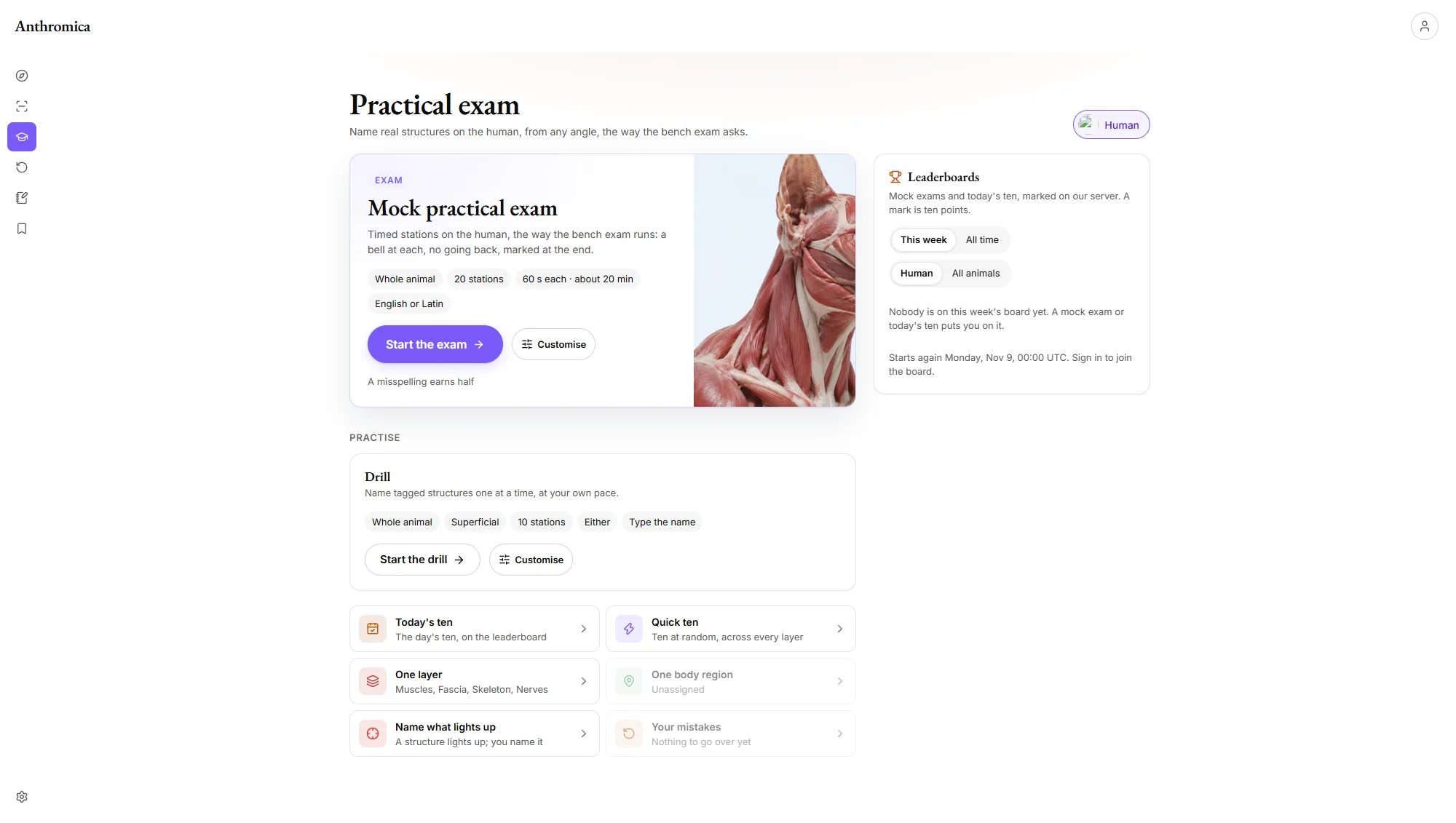
- Mock practical exam
- Timed stations on tagged structures, no going back, marked at the end, in English or Latin.
- Drills and review
- One layer or one part of the body at your own pace, a daily ten, and the names you got wrong until you don't.
- The tutor
- Answers about your selection in plain words; the names in its answer open on the model.
- Saved views and share links
- Keep the exact scene, camera, layers, labels and section, and send a link that opens it.
- Live sessions
- Start a session and send the link; everyone who opens it follows your screen, laser pointer included. Hosting one is part of Pro; anyone can follow, on any plan.
- Capture and embed
- Save the stage as a labelled image, or put an interactive scene in a course page.
- Theatre and keyboard
- A dark screen for the projector and late study, and shortcuts for every tool.
See it on the body.
The whole body, every layer and every tool, free up to a limit. No card, nothing to install.